

Record Spatial Audio on iPhone
Capture voices, places, music, and everyday moments with a greater sense of space on supported iPhone models.
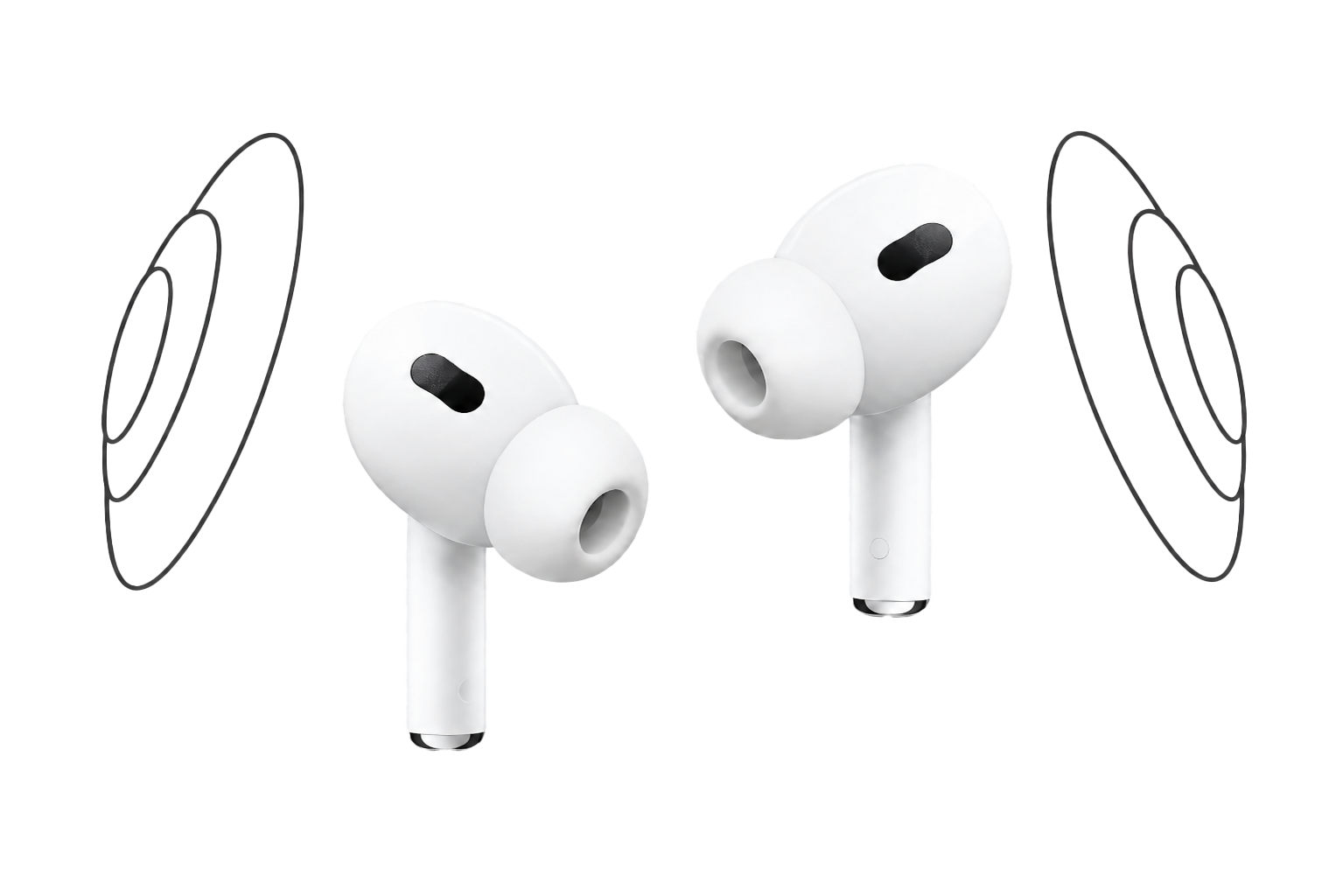
Immersive recording on supported iPhone models
What is Spatial Audio?
Spatial Audio is an immersive audio technology from Apple. On supported iPhone models, it can capture sound with a greater sense of space and direction than a standard mono or stereo recording.
During playback on compatible equipment, voices and surrounding sounds may feel more naturally placed around you.
Voice Recorder, Voice Memos® uses technologies made available by Apple to offer Spatial Audio recording whenever the feature is supported on your iPhone.
Spatial Audio is especially useful when the surroundings are part of the moment, such as a conversation, performance, city walk, or the sound of nature.
Record more than what was said. Preserve more of where it happened.
What you may notice
A more natural sense of place
Spatial Audio can make supported recordings feel more immersive during playback. The result depends on your iPhone model, system settings, recording environment, and playback equipment.

More depth around you
Voices and ambient sounds can feel less flat and more naturally placed within the recording.

More natural conversations
Group conversations can retain more of the room and the space between speakers.

Richer surroundings
Capture more of the atmosphere of streets, cafés, parks, beaches, performances, and other live environments.

Easier to hear with compatible headphones
Compatible AirPods and other supported headphones may make the spatial effect easier to hear during playback.
When the surroundings matter
What can you record?
Use Spatial Audio when you want the recording to preserve both the main sound and more of the place around it.
Nature and environmental sound
Capture rain, waves, birds, wind, forests, and other soundscapes with more of their surrounding atmosphere.
Travel memories and places
Preserve the sound of a street, market, landmark, café, park, or beach—not just a single voice.
Music and performances
Record rehearsals, acoustic performances, and live moments while keeping more of the room around the sound.
Interviews and personal stories
Keep a speaker’s voice connected to the environment where the conversation took place.
Events and meaningful moments
Record celebrations, presentations, exhibitions, and family gatherings with more of their natural ambience.
Creative audio projects
Use spatial recordings as references for podcasts, videos, sound design, field recording, and other creative work.
Voice Recorder, Voice Memos®
Spatial Audio recording, without complicated setup.
On a supported iPhone, open Voice Recorder, Voice Memos®, choose the Spatial Audio recording option when available, and start recording.
Your Spatial Audio recordings stay alongside your other voice memos, ready to organize and play back in the app.
Recording availability depends on the iPhone model, operating-system version, system settings, and recording configuration. Playback also depends on compatible equipment.
Frequently asked questions
Spatial Audio FAQ
How do I record Spatial Audio?
Open Voice Recorder, Voice Memos® on a supported iPhone, choose the Spatial Audio recording option when available, and tap Record. If the option does not appear, your iPhone, operating-system version, or current configuration may not support Spatial Audio capture.
Which devices support Spatial Audio recording?
Spatial Audio capture is available only on supported iPhone models and operating-system versions. Check whether the Spatial Audio recording option appears in the app on your iPhone.
Do I need AirPods to record Spatial Audio?
No. AirPods are not required for recording. You can record with the built-in microphones on a supported iPhone. Compatible AirPods or other supported headphones may make the spatial effect easier to hear during playback.
How is Spatial Audio different from stereo?
Stereo separates sound mainly between the left and right channels. Spatial Audio can provide a greater sense of depth, space, and positioning around the listener when recorded and played back on supported equipment.
When should I use Spatial Audio?
Use Spatial Audio when the surroundings are an important part of the recording, such as conversations, performances, travel memories, nature, events, or environmental sound. For a simple spoken note, a standard recording may be all you need.
Can I play Spatial Audio recordings without AirPods?
Yes. Spatial Audio recordings can still be played without AirPods. Compatible AirPods or other supported headphones may provide a more immersive playback experience.
Record the space.
Remember the moment.
Capture voices, places, and everyday moments while preserving more of the atmosphere around them.
Spatial Audio is an Apple technology. Recording and playback availability depends on compatible devices, software versions, settings, recording conditions, and playback equipment.